A standard WordPress plugin. It adds a “Login con TuServerMU” button to your login page (and a [tsm_sso_login] shortcode), then links an existing WordPress user by email or creates one, and signs them in. Built on real WordPress hooks and the OpenID Connect standard. Tested end-to-end and working.
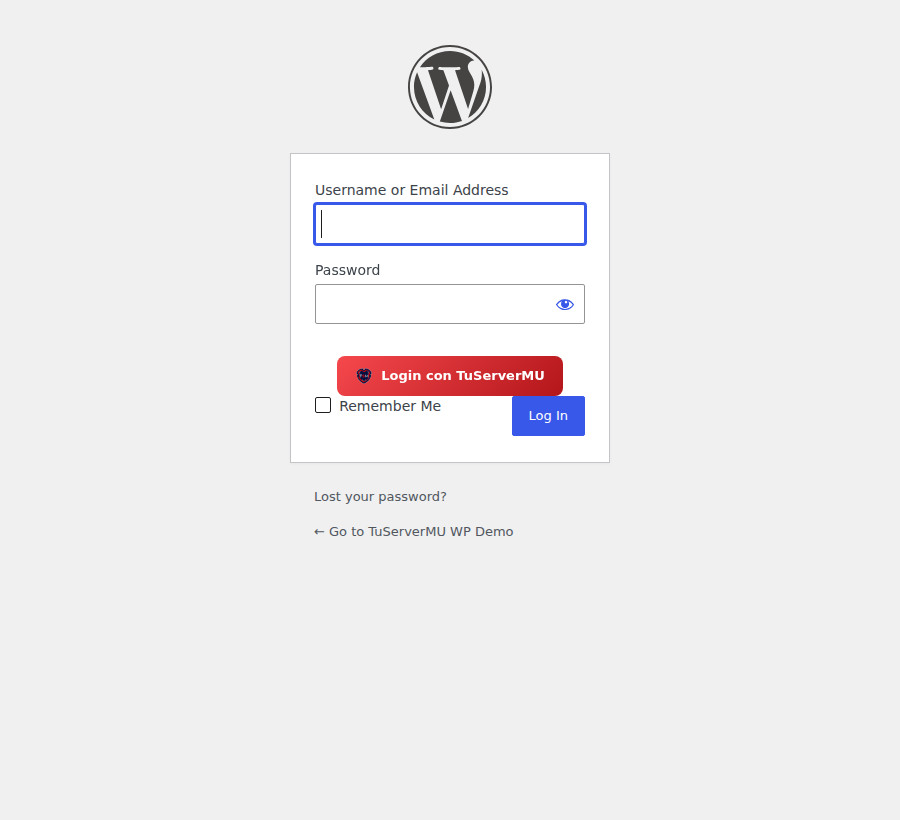
Upload in Plugins → Add New → Upload, then activate.
At Account → OAuth apps, create a Confidential app. Set the redirect URI to (shown on the plugin's settings page):
https://your-site.com/?tsm_sso=callback
Upload the zip in Plugins → Add New → Upload and click Activate. (Or drop the login-con-tuservermu/ folder into wp-content/plugins/.)
Go to Settings → TuServerMU SSO and paste your Client ID and Client Secret. Save. The button appears on wp-login.php automatically.
[tsm_sso_login]
Use the shortcode in any page, post or widget.
/?tsm_sso=login - sends the user to TuServerMU (Authorization Code + PKCE)./?tsm_sso=callback - exchanges the code, reads the profile, then links the existing WordPress user by email or creates a new subscriber, and logs them in.The TuServerMU password (bcrypt + 2FA) never touches your site. This is a web-login integration; to also provision in-game MEMB_INFO accounts use the WebEngine / MuWeb plugins.
Questions? [email protected] · Full OIDC docs
Latest across the ecosystem